BOM
A bill of materials (or BoM for short) is a list of the raw materials, sub-assemblies, intermediate assemblies, sub-components, parts, and the quantities of each needed to manufacture an end product.
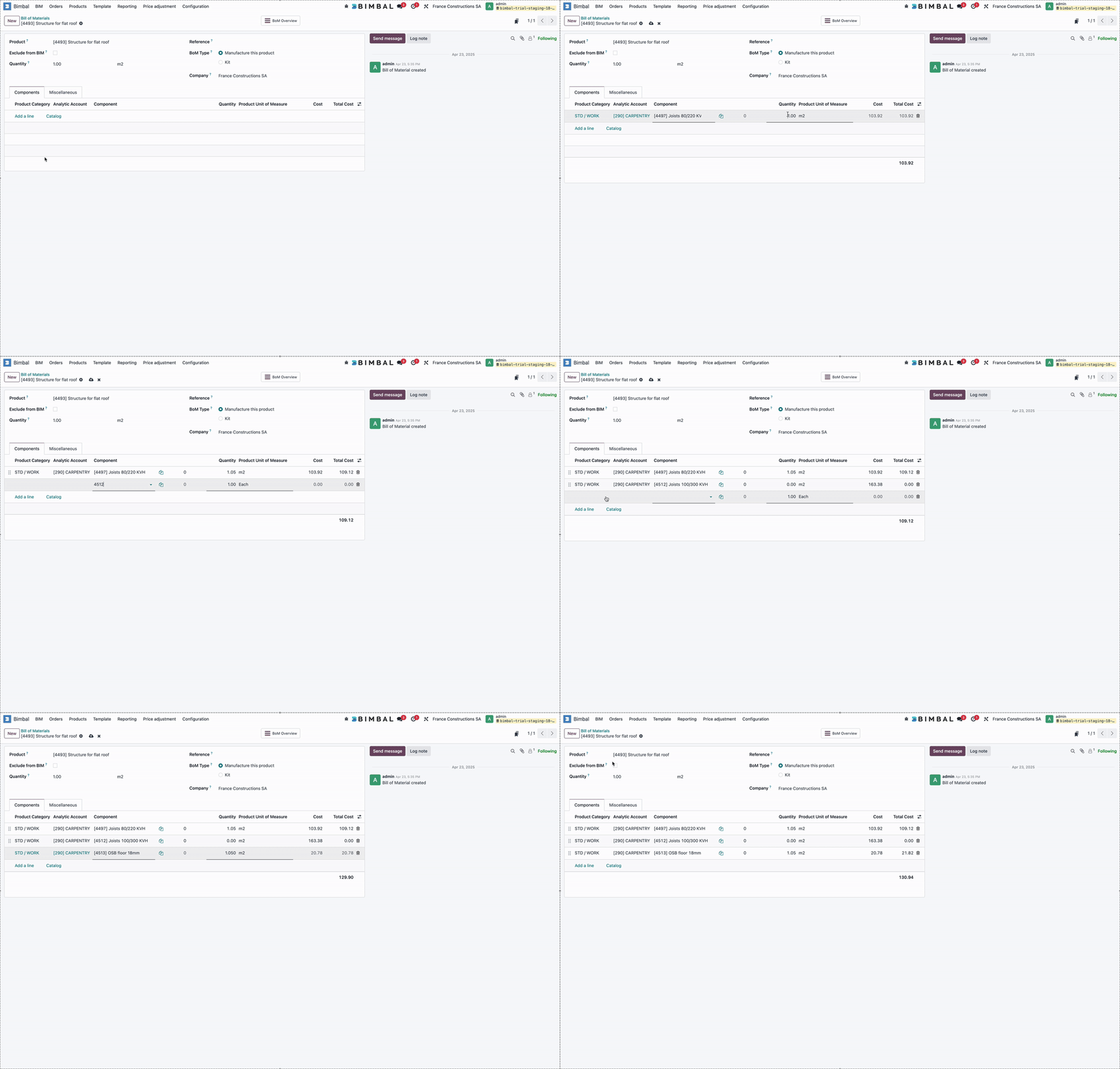
BoM setup
- Click New
- Next, set the BoM Type to Manufacture this Product.
- Then, specify required components and quantities
Use of BOMs
Whenever you add a product with a BOM to a Variant Line or a BIM Template Line, Bimbal suggests importing its BOM automatically.
If products in a BOM have a BOM, Bimbal will import the entire tree structure into the BIM.
Quantity
The Quantity field allows you to complete your BOMs based on the quantities of this product typically used by your company.
Example:
Product | UoM | Quantity |
Reinforced concrete foundation slab | m3 | 25 |
↳ Concrete | m3 | 26,25 |
↳ Metal fiber | kg | 40 |
↳ Workforce | hour | 8 |
↳ concrete pump | Each | 1 |
Copyright Bimbal® Inc | www.bimbal.com | info@bimbal.com | Terms & Conditions: https://www.bimbal.com/terms