BIM Template
BIM Template provides a reusable structure of sections, notes, and products that serves as a starting point for new BIM, ensuring consistency and reducing setup time.
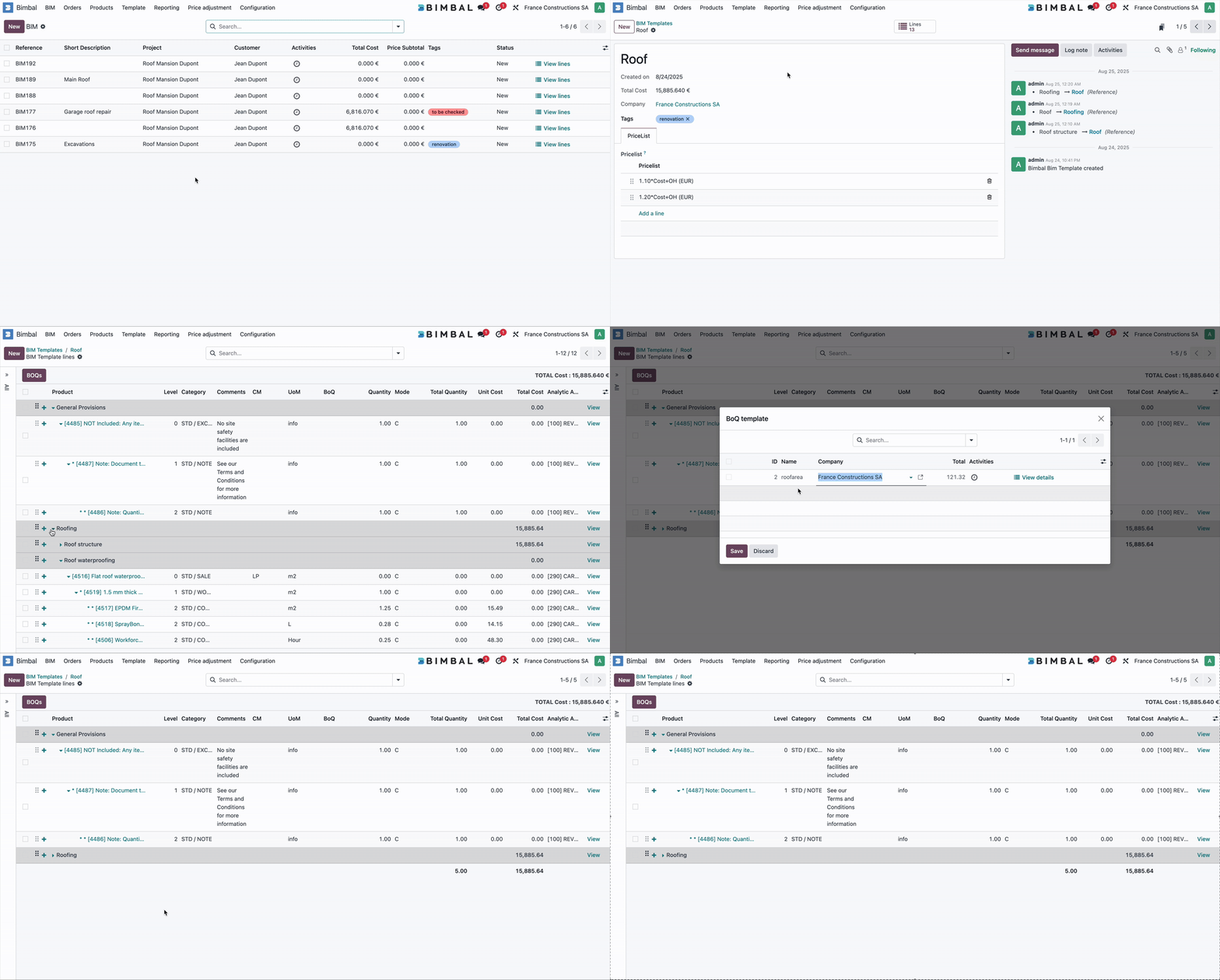
A BIM Template contains a predefined list of Template Lines (sections, notes, products, and optional items).
When a BIM is created from a template, all Template Lines are copied into the project as initial Variant Lines, forming the base structure of the BIM.
A BIM Template can also be added to an existing Variant to expand the structure of an ongoing BIM (When adding a template to a current BIM, no BOQs are added. To be able to use the BOQs of a template, it is necessary to add this template to the creation of the BIM)
How a BIM Template Works
A BIM Template defines a reusable structure for similar projects.
When a BIM is created from a template, all Template Lines are copied into a first Variant.
Users can also add a template to an existing Variant to expand the structure of an ongoing BIM.
When adding a template to a BIM after its creation, Template Lines are added correctly, but BOQs are not imported.
To include BOQs from a template, the template must be applied when the BIM is created.
After template import, users may extend, remove, or adjust the content through the Variant.
Key BIM Template Fields
The template name (e.g., Roofing Standard Template) that identifies the reusable structure.
The predefined list of lines (sections, notes, products) that will become Variant Lines when creating a BIM or when inserting the template into a Variant.
Values populate the BIM’s Pricelist field when the BIM is created.
Company for which this template is available. Leave blank to make it available to all companies.
Bimbal® | ERP Software for construction companies
Copyright Bimbal® Inc | www.bimbal.com | info@bimbal.com | Terms & Conditions: https://www.bimbal.com/terms